

Description
Tuition Near Me Revision App
Enhance your child’s learning journey with the Tuition Near Me Revision App! Tailored specifically for students preparing for their Chinese spelling tests, this app transforms the process of mastering Chinese spelling into a fun and effective experience.
Child-Friendly Interface:
Featuring a bright and engaging design with large buttons and intuitive navigation, this app is perfect for young learners.
Chinese Spelling Test Preparation:
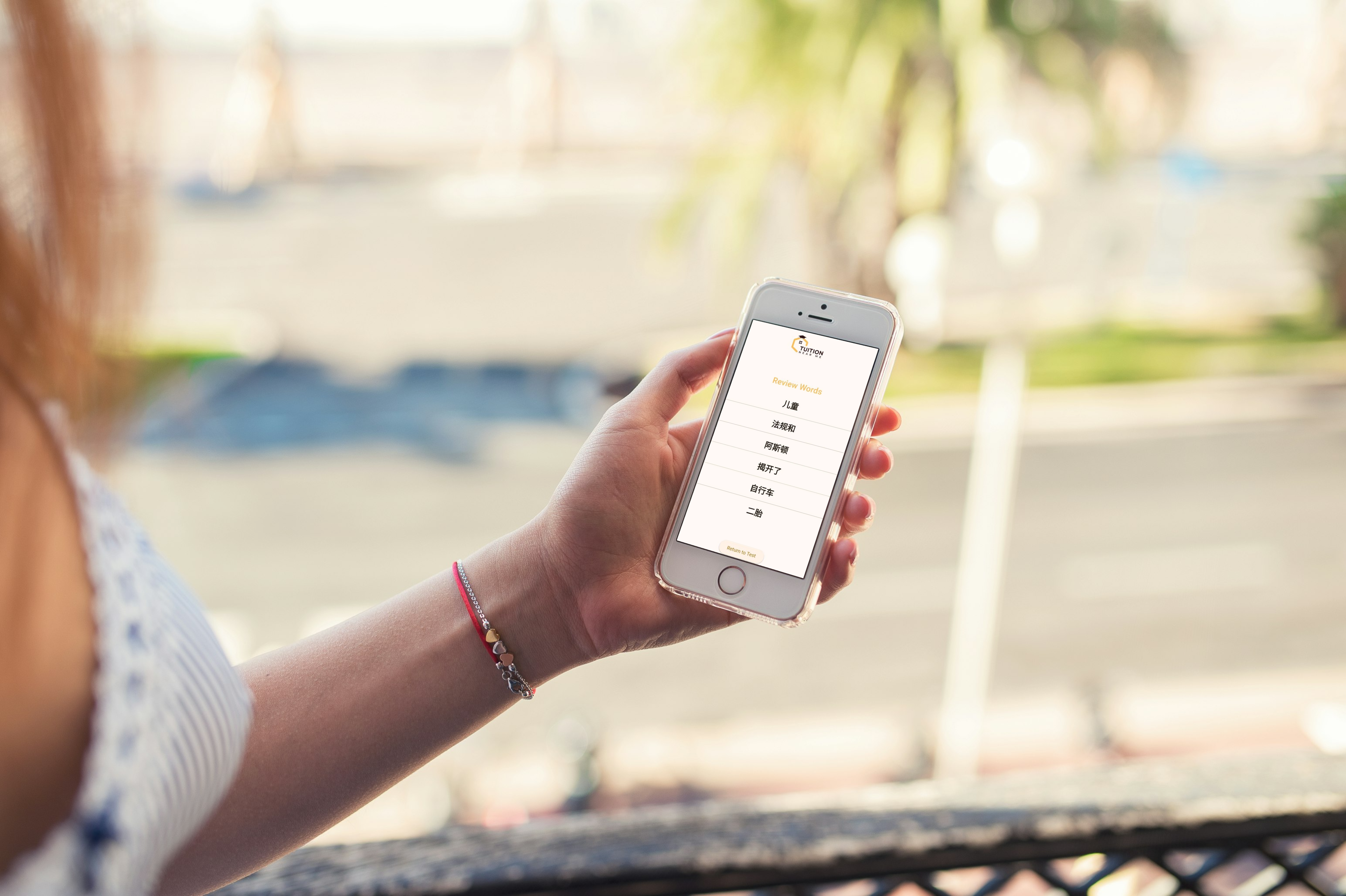
Simply scan the Chinese spelling list, and the app will assist students in revising and mastering their spelling words.
Convenience:
Take a photo of the Chinese spelling list, and instantly extract the words for focused practice.
Articulation:
Listen to correct pronunciations with a single tap, helping students build confidence in their speaking skills.
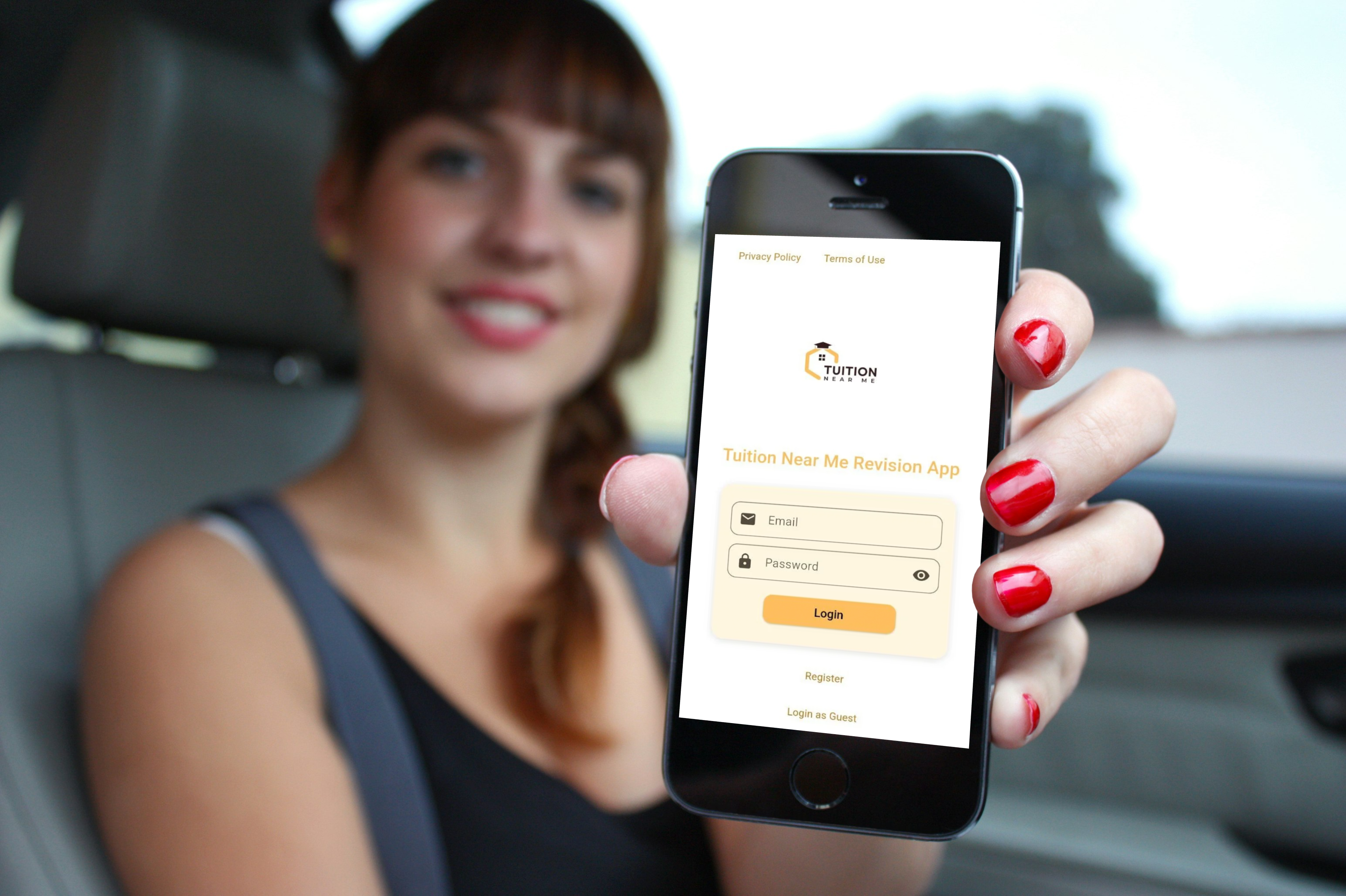
Secure Login:
Enjoy a safe and straightforward sign-in process using your Tuition Near Me account.
Privacy First:
Our app includes a clear privacy policy and terms of use to ensure your child’s information is protected.
Customizable Experience:
Ideal for use at home or in the classroom, allowing for flexible learning environments.
With this app, parents and guardians can confidently allow their children to revise for their Chinese spelling tests independently, eliminating the need for constant supervision.
Exciting Upcoming Feature: Extension Marketplace!
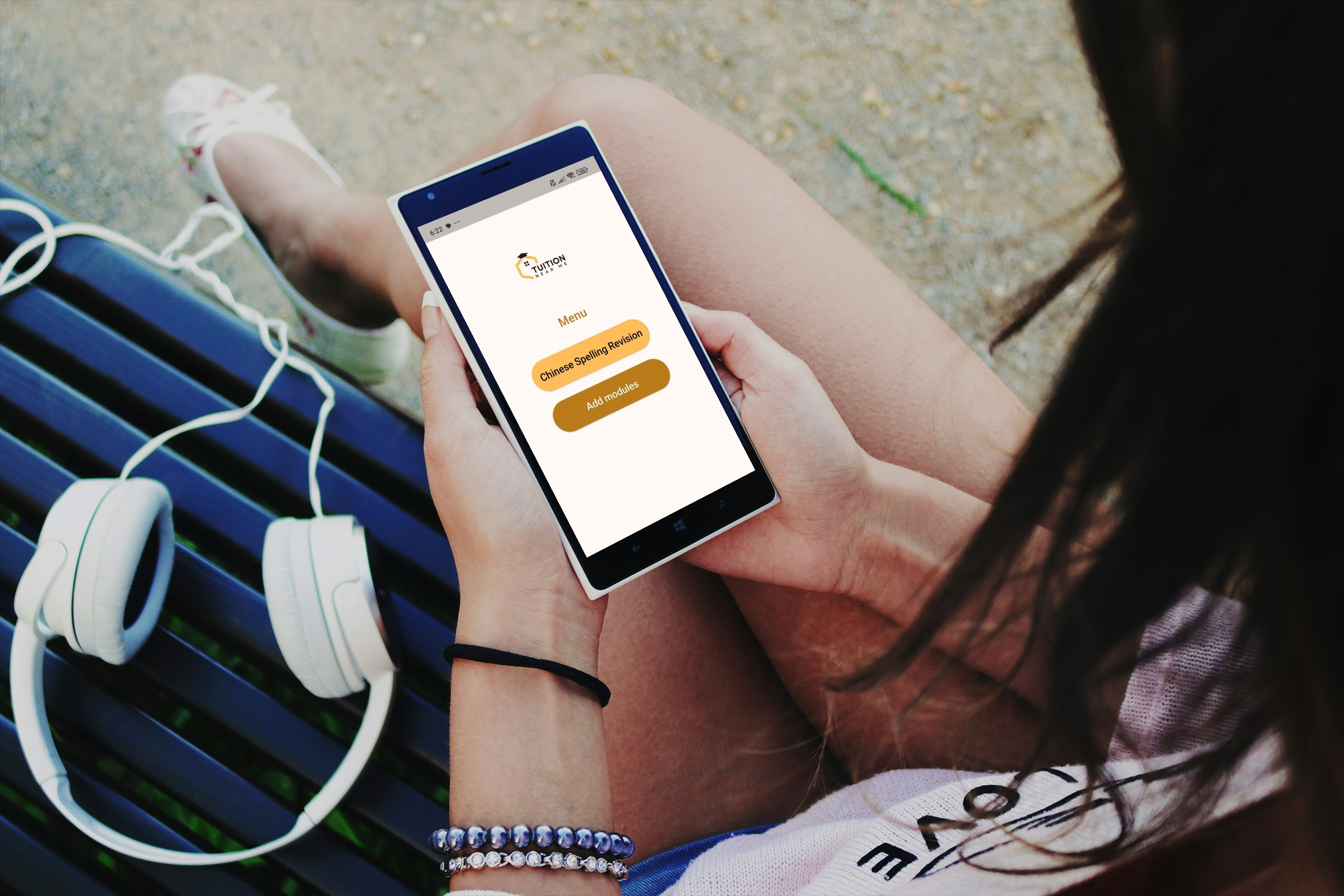
Soon, students will have access to an educational extension marketplace where they can browse and install relevant learning modules. This marketplace will offer a variety of topics, with both free and paid options available, allowing for a personalized educational experience.
Make Chinese spelling revision enjoyable and effective—download the Tuition Near Me Revision App today!
How to Install the Tuition Near Me App on Your Android Device
- Download the App
- Download Tuition Near Me App for free here.
-
Enable App Installation from Unknown Sources
- Open your device’s Settings.
- Go to Security (or Apps & notifications > Special app access > Install unknown apps).
- Find your browser (e.g., Chrome) and allow “Install unknown apps”.
- Install the App
- Open your device’s Downloads folder and tap the downloaded APK file.
- If prompted, confirm you want to install the app.
- Wait for the installation to complete.
- Open and Use the App
- Find the Tuition Near Me app icon on your home screen or app drawer.
- Tap to open and start using the app!
Note:
- You may see a warning about installing apps from unknown sources. This is normal for direct downloads. The Tuition Near Me app is safe and provided by your trusted education provider.
- For updates, revisit this page and download the latest version.